Vector and matrix calculators
Linear algebra calculators for vectors in two and three dimensions and for matrices up to 10 × 10. They keep exact fractions and show the working, from a cross product’s i, j, k determinant to each row operation.
Vectors and matrices: which calculator do I need?
| You have or want | Use |
|---|---|
| The dot product of two vectors, or the angle between them | Vector calculator |
| A vector perpendicular to two others, or the area of a parallelogram | Cross product calculator |
| The length and direction of a vector, or components from a bearing | Vector magnitude and direction |
| The volume of a parallelepiped, or whether vectors are independent | Vector analysis calculator |
| The inverse, rank or eigenvalues of one matrix | Matrix calculator |
| The product AB of two matrices, or the solution of AX = B | Matrix operations calculator |
| A determinant by cofactor expansion, with every step | Determinant calculator |
Vectors
Combine vectors, measure them, and test how they sit relative to each other.
-
Vector calculator
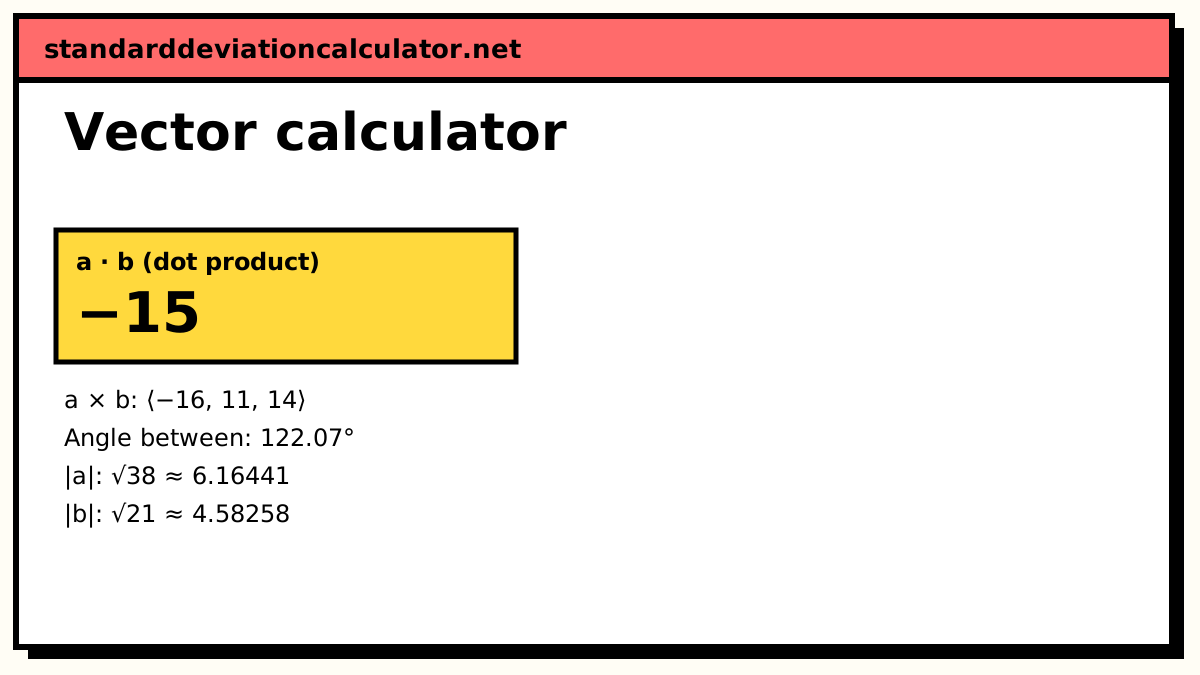
Add, subtract and scale vectors; dot and cross products, angle, unit vector and projection.
-
Vector magnitude and direction
Length, direction angle and bearing of a vector, 3D direction cosines, or components from an angle.
-
Cross product calculator
a × b with the i, j, k determinant expanded, the area it spans and a perpendicularity check.
-
Vector analysis calculator
Triple products, volumes, coplanarity and independence tests, areas and Gram–Schmidt.
Matrices
Work with one matrix, combine two, or find a determinant step by step.
-
Matrix calculator
Inverse, determinant, RREF, rank, trace, powers and eigenvalues, in exact fractions.
-
Matrix operations calculator
A + B, A − B, AB, BA and kA, or solve AX = B, with the row-by-column working.
-
Determinant calculator
Determinants up to 8×8 by cofactor expansion, Sarrus or row reduction, step by step.
How the vector and matrix tools divide the work
The vector calculator is the general tool: sums, scalar multiples, dot and cross products, angles and projections. The other vector pages each go further on one idea. The magnitude and direction page converts between components and a length plus an angle or bearing. The cross product page expands the determinant term by term. The vector analysis page handles three vectors at once: triple products, coplanarity and Gram–Schmidt.
For matrices, the matrix calculator works on a single matrix and the matrix operations calculator combines two. The determinant calculator shows cofactor expansion, the rule of Sarrus and row reduction, which is the part most courses ask you to do by hand.
Worked comparison: dot product versus cross product
Take a = (1, 2, 3) and b = (4, 5, 6).
- Dot product: 1 × 4 + 2 × 5 + 3 × 6 = 32. This is a single number. It is zero exactly when the vectors are perpendicular.
- Cross product: (2 × 6 − 3 × 5, 3 × 4 − 1 × 6, 1 × 5 − 2 × 4) = (−3, 6, −3). This is a vector perpendicular to both. Its length, √54 ≈ 7.348, is the area of the parallelogram that a and b span.
The dot product works in any number of dimensions. The cross product is defined only in three.
Common mix-ups
- AB is usually not BA. Matrix multiplication depends on order, and AB may exist when BA does not. The operations calculator shows both where they are defined.
- A zero determinant means no inverse. [[2, 1], [1, 3]] has determinant 2 × 3 − 1 × 1 = 5, so its inverse exists: (1/5)[[3, −1], [−1, 2]]. If the determinant were 0, the rows would be dependent and AX = B would have no unique solution.
- a × b = −(b × a). Swapping the order of a cross product reverses its direction.
Guides to read alongside
-
Standard deviation in Python
Using NumPy arrays, the same library most people use for matrix work in code.
-
Methodology
How exact fractions and decimal results are produced and rounded.