Addition calculator
Type or paste the numbers to add, one per line or separated by spaces or plus signs. The calculator gives the exact sum and writes out the column addition, carries included, the way it is done on paper.
One per line, or separate with spaces or + signs. Decimals, negatives and very long whole numbers all work.
carry 1 2 2 4 5 8 7 + 2 9 6 8 + 1 3 7 5 ─────── 8 9 3 0
Show the working, step by step
Line the numbers up on the right, ones under ones.
4587 2968 1375
Ones column
7 + 8 + 5 = 20 → write 0, carry 2
Tens column
8 + 6 + 7 + 2 (carried) = 23 → write 3, carry 2
Hundreds column
5 + 9 + 3 + 2 (carried) = 19 → write 9, carry 1
Thousands column
4 + 2 + 1 + 1 (carried) = 8 → write 8
Read the answer along the bottom row.
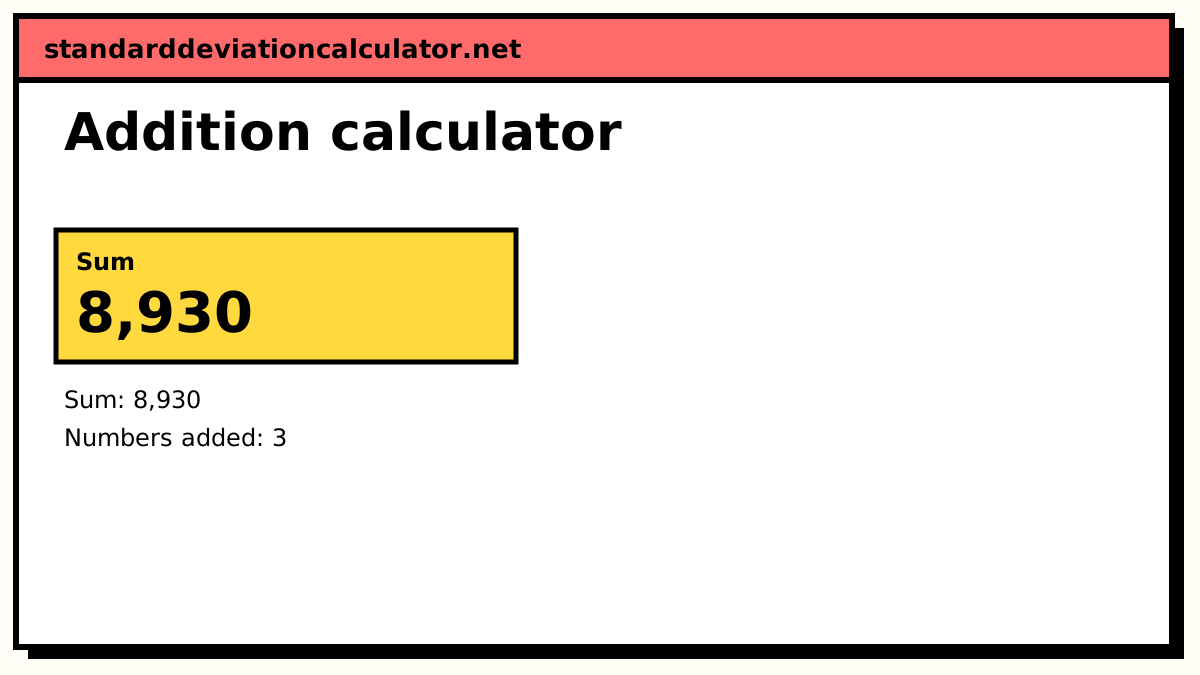
4,587 + 2,968 + 1,375 = 8,930
How column addition works
column total = digits in the column + carry in write (column total mod 10), carry ⌊column total ÷ 10⌋ to the left
Place value is what makes this work. A 1 in the tens column is worth ten ones, so when a column reaches 10 or more, every complete ten moves one column left as a carry. With three or more numbers the carry can be 2 or more, which is why the tool shows the carry, not just a mark.
Addition: a worked example
The default numbers are 4,587, 2,968 and 1,375.
- Ones: 7 + 8 + 5 = 20. Write 0, carry 2.
- Tens: 8 + 6 + 7 + 2 = 23. Write 3, carry 2.
- Hundreds: 5 + 9 + 3 + 2 = 19. Write 9, carry 1.
- Thousands: 4 + 2 + 1 + 1 = 8. Write 8.
Reading along the bottom gives 8,930.
Adding decimals
The one rule with decimals is to line the numbers up on the decimal point. Filling the gaps with zeros does not change any value, and it stops you adding tenths to hundredths:
12.50 + 0.75 + 3.00 ─────── 16.25
The tenths column is 5 + 7 + 0 = 12, so 2 is written and 1 carries across the point into the ones, exactly as it would between any two columns.
Checking an addition
- Estimate first. 4,587 + 2,968 + 1,375 is roughly 4,600 + 3,000 + 1,400 = 9,000, so 8,930 is believable and 89,300 is not.
- Add in the other direction. Adding the columns from the bottom up gives the same totals and often catches a slip.
- Casting out nines. The digital roots of 4,587, 2,968 and 1,375 are 6, 7 and 7; 6 + 7 + 7 = 20, whose digital root is 2. The digital root of 8,930 is also 2. A mismatch would prove a mistake (a match does not prove the answer right, since swapped digits slip through).
Common mistakes
| Mistake | Example | Fix |
|---|---|---|
| Forgetting a carry | 7 + 8 + 5 = 20, writing 0 and carrying nothing | Write the carry above the next column straight away |
| Lining up the last digits of decimals | 12.5 + 0.75 worked as 125 + 75 hundredths = 2.00, instead of 13.25 | Line up the points and pad with zeros |
| Carrying only 1 with three numbers | A column total of 23 carried as 1 | Carry the whole tens digit: 23 carries 2 |
| Dropping a final carry | 99 + 1 written as 00 | A carry out of the last column becomes a new leading digit: 100 |
For a total that needs dividing afterwards, the average calculator does both steps; to take one number away from another, use the subtraction calculator.
For subtraction, multiplication, percentages, primes and divisibility, see the arithmetic and number theory calculators.
Common questions
How does column addition with carrying work?
Write the numbers one under another so that ones sit under ones and tens under tens. Add the right-hand column first. If a column adds up to 10 or more, write the ones digit of the total and carry the tens digit to the top of the next column on the left. For 4,587 + 2,968 + 1,375 the ones column is 7 + 8 + 5 = 20: write 0 and carry 2.
How do I add decimals?
Line the numbers up by the decimal point, not by the last digit, and fill any empty places with zeros. 12.5 + 0.75 + 3 becomes 12.50 + 0.75 + 3.00 = 16.25. Then add column by column exactly as with whole numbers and keep the point in the same place in the answer.
Why does 0.1 + 0.2 give 0.30000000000000004 on some calculators?
Most software stores numbers in binary floating point, and 0.1 has no exact binary form (it repeats for ever, like 1/3 in decimal). The tiny rounding errors show up in the 17th significant figure. This calculator works in exact decimal arithmetic, so 0.1 + 0.2 is exactly 0.3.
How do I add negative numbers?
Adding a negative number is the same as subtracting its size: 12.5 + (−20) = 12.5 − 20 = −7.5. With a mixed list, add all the positive numbers, add the sizes of the negative ones, and subtract the second total from the first. For 12.5, −20 and 3 that is 15.5 − 20 = −4.5.
Is there a limit on how big the numbers can be?
No practical one. Whole numbers are added as arbitrary-precision integers, so a 30-digit number plus 1 comes out exact to the last digit. You can add up to 500 numbers at a time; very long results are shown in full under the headline.
Related calculators
-
Subtraction
Column subtraction with every borrow shown.
-
Multiplication
Long multiplication with partial products.
-
Average
Add the numbers, then divide by how many there are.
-
Sum of squares
Square each value, then add.