Rounding calculator
Round any number to a set number of decimal places, significant figures or the nearest 5, 10 or 0.25, write it in scientific notation, or count the significant figures in a measurement.
Show the working, step by step
Look at the digit after the place you keep: 5 or more rounds up, 4 or less rounds down.
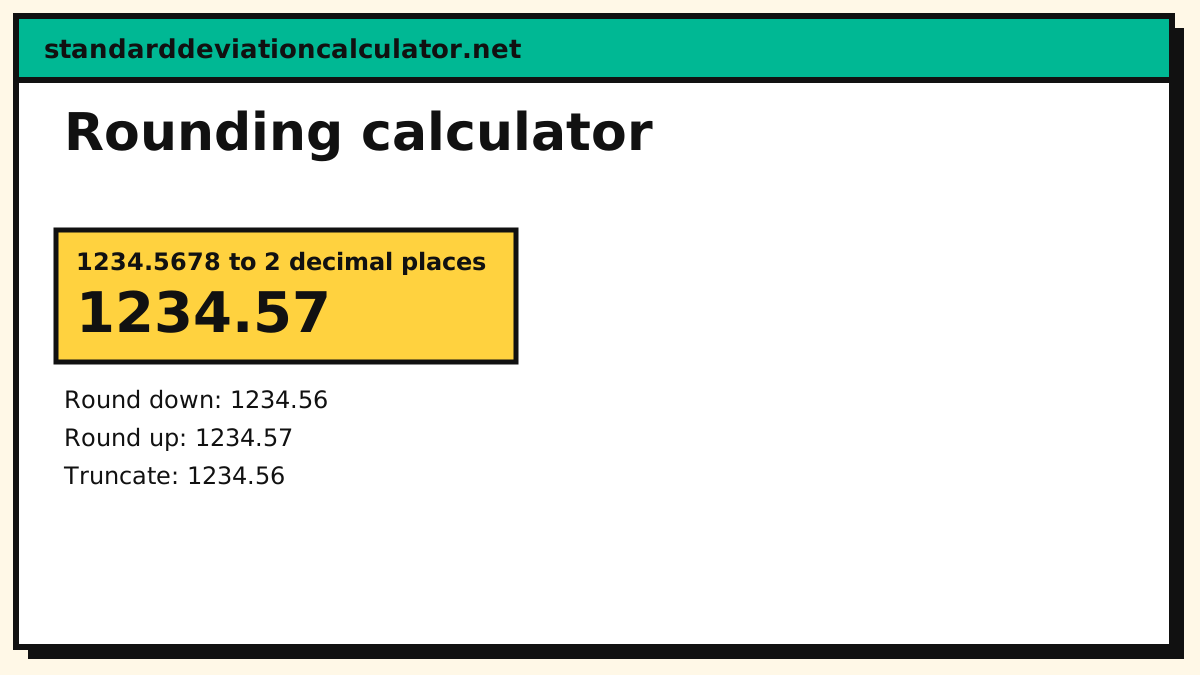
1234.5678 → 1234.57
Rounding rules
Look at the first digit you will drop: 5 or more rounds the last kept digit up, 4 or less leaves it. Significant figures count from the first non-zero digit, so 0.00120 has three. Trailing zeros in a whole number such as 1200 are ambiguous; write 1.2 × 10³ or 1.200 × 10³ to show how many are meant.
How to use the rounding calculator
Pick what you want to do, type the number, and set the places, figures or multiple. Round to decimal places keeps a fixed number of digits after the point (a negative number rounds to tens, hundreds and so on). Round to significant figures keeps a fixed number of meaningful digits. Round to the nearest multiple snaps to the nearest 5, 10 or 0.25. Scientific notation writes the number as m × 10k, and Count significant figures tells you how many a measurement has. Round down, round up and truncate versions are shown beside the main result so you can compare.
The basic rounding rule
Look at the first digit you are going to drop. If it is 5 or more, increase the last digit you keep by one; if it is 4 or less, leave it. 3.14159 to 2 decimal places looks at the 1 in 3.14159 and stays 3.14; 3.14659 looks at 6 and becomes 3.15. Only the first dropped digit matters: 2.4999 rounds to 2, not to 3.
Worked examples
- 1,234.5678 to 3 significant figures is 1,230 (written 1.23 × 10³). The first three digits are 1, 2 and 3, and the next digit, 4, is below 5.
- 0.0012345 to 3 significant figures is 0.00123: the leading zeros are placeholders and do not count.
- 87 to the nearest 5 is 85 (87 ÷ 5 = 17.4, rounded to 17, times 5).
- 0.00120 has 3 significant figures: 1, 2 and the trailing 0 after the decimal point, which shows the measurement’s precision.
Rounding methods compared
“Round half up” is only one convention for numbers exactly halfway between two choices. When rounding to decimal places or significant figures this calculator rounds halves away from zero, so 2.5 becomes 3 and −2.5 becomes −3 (the nearest-multiple mode rounds halves up). Other methods you will meet:
| Method | 2.5 | 3.5 | −2.5 | Where it is used |
|---|---|---|---|---|
| Half away from zero | 3 | 4 | −3 | School maths, this calculator |
| Half up (towards +∞) | 3 | 4 | −2 | Some programming languages |
| Half to even (banker’s) | 2 | 4 | −2 | Statistics, finance, IEEE 754 |
| Floor (down) | 2 | 3 | −3 | Counting whole units |
| Ceiling (up) | 3 | 4 | −2 | Packaging, capacity |
| Truncate | 2 | 3 | −2 | Dropping digits |
Half to even avoids a slight upward bias when many halves are rounded, which is why accountants and statistical software favour it. Use it if your source says so, and say which method you used when it matters.
Significant figures and scientific notation
Significant figures count from the first non-zero digit. Zeros between digits count (1,002 has 4), leading zeros do not (0.0045 has 2) and trailing zeros after a decimal point do (4.500 has 4). Trailing zeros in a whole number such as 1,200 are ambiguous; writing 1.2 × 10³ shows two and 1.200 × 10³ shows four. In scientific notation the number before the power of ten is between 1 and 10, so 123,000 = 1.23 × 10⁵ and 0.00045 = 4.5 × 10⁻⁴.
Why 2.675 can round differently on a computer
Computers store most decimals in binary, which cannot represent 2.675 exactly: the nearest stored value is slightly below it, so many programs and spreadsheets round it to 2.67 while a paper calculation gives 2.68. This calculator corrects for that tiny error and returns 2.68, the answer a human would expect.
Rounding to tens, hundreds and thousands
Rounding is not limited to digits after the decimal point. To round a whole number to the nearest ten, hundred or thousand, look at the digit just below that place: 4,863 to the nearest hundred looks at the 6 and becomes 4,900; to the nearest thousand it looks at the 8 and becomes 5,000. In the calculator, use decimal places with −1, −2 or −3. Large estimates, populations and budgets are usually rounded this way so the digits that are left carry real information.
How many places should you keep?
Match the precision of the answer to the precision of the data. Money is normally kept to two decimal places (cents). A measurement taken with a ruler marked in millimetres should not be reported to four decimal places. In a calculation, a product or quotient should carry no more significant figures than the least precise input; a sum or difference should carry no more decimal places than the least precise input. Reporting more digits than you measured suggests an accuracy you do not have.
Rounding a result you will use again
If the rounded figure will feed into another calculation, keep two or three extra digits and round only the final answer. A value reported as 3.14 should not be used as pi in a long chain of multiplications; the small error is multiplied each time. Write down both the rounded value you show and the unrounded one you keep, so someone checking your work can reproduce it.
Rounding errors and when to round up or down
Rounding each number first and then adding can give a different total from adding first: 0.4 + 0.4 + 0.4 rounds to 0 + 0 + 0 = 0 one number at a time, but the exact total is 1.2, which rounds to 1. For money, decide whether you round each line or only the total and be consistent. Some questions call for a one-way rounding rather than the nearest value: if you need 2.1 boxes you must buy 3 (ceiling), and if each worker can handle 4.9 jobs you can only assign 4 (floor). Pick the direction that fits the situation, not the one that looks closest.
Common mistakes
- Rounding in stages. 1.449 to one decimal place is 1.4; rounding to 1.45 first and then to 1.5 is wrong. Round once, from the original value.
- Rounding mid-calculation. Keep extra digits and round the final answer.
- Mixing decimal places with significant figures. 0.0123 to 2 decimal places is 0.01 but to 2 significant figures is 0.012.
For rounding a standard deviation to the nearest tenth or hundredth, see the section on rounding on the standard deviation calculator.
Common questions
How do you round to 3 significant figures?
Keep the first three digits starting from the first non-zero digit and round on the next one: 1234.5678 becomes 1230 and 0.0012345 becomes 0.00123.
What is scientific notation?
A number written as m × 10^k with 1 ≤ m < 10: 123,000 = 1.23 × 10⁵.
How many significant figures does 0.00120 have?
Three: the leading zeros are placeholders and the trailing zero after the decimal point counts.
How many significant figures does 1,200 have?
It is ambiguous: 1,200 could have two, three or four significant figures depending on whether the zeros are measured. Scientific notation settles it: 1.2 × 10³ has two, 1.20 × 10³ has three and 1.200 × 10³ has four. When a whole number ends in zeros, state how many are significant.
How do I round to the nearest hundred or thousand?
Use decimal places with a negative number: −2 rounds to the nearest hundred and −3 to the nearest thousand. 1,250 to the nearest hundred is 1,300, because the tens digit 5 rounds up. The nearest-multiple mode does the same with 100 or 1,000.
Why does my spreadsheet or program give a different answer?
Tools use different tie-breaking rules. Excel’s ROUND rounds halves away from zero, Python 3’s round() rounds halves to the nearest even number (round(2.5) is 2), and JavaScript’s Math.round rounds halves up (towards positive infinity), so Math.round(−2.5) is −2. Binary storage of decimals such as 2.675 adds another difference. Say which rule you used when the digits matter.
Related calculators
-
Percentage calculator
Percent of a number.
-
Standard deviation calculator
Round results correctly.
-
Square root calculator
Roots to any precision.
-
Factorial and Fibonacci
Big numbers in notation.